

How to install SS IPTV on LG Smart TV
Open the app store on your LG Smart TV, search for SS IPTV, click Install, and access it from the apps list after installation.
How to add IPTV channels to SS IPTV
First, you need an IPTV subscription to activate the app and watch satellite channels and global movies—get a paid annual subscription or request a free 24-hour trial by contacting via WhatsApp.
Step-by-step playlist addition
1: On the main screen, press the “Settings” button to load your user playlist
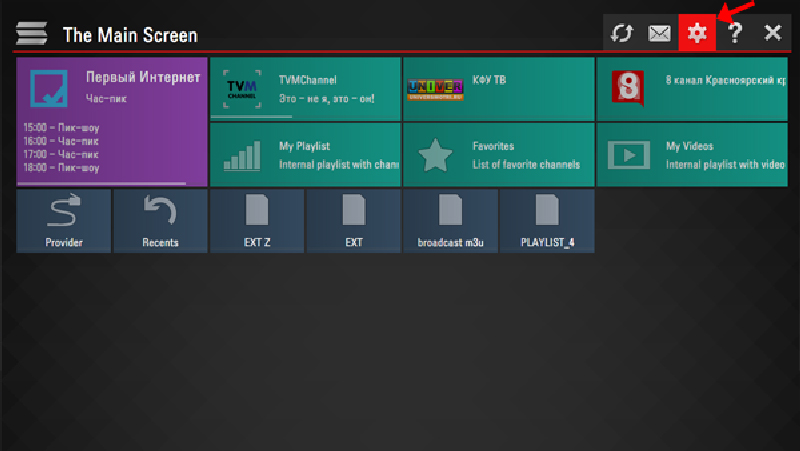
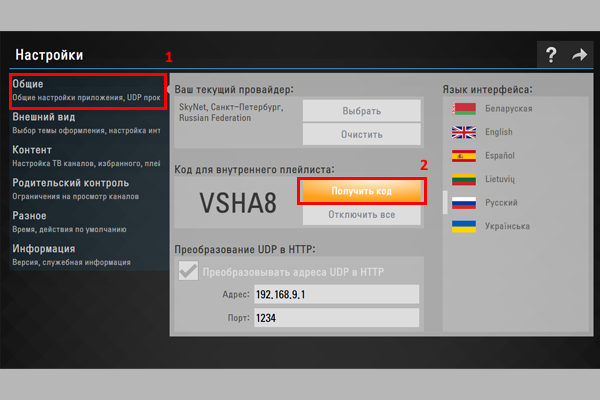
2: Go to General and press “Get New Code”—the code lasts 24 hours or until a new one is generated.
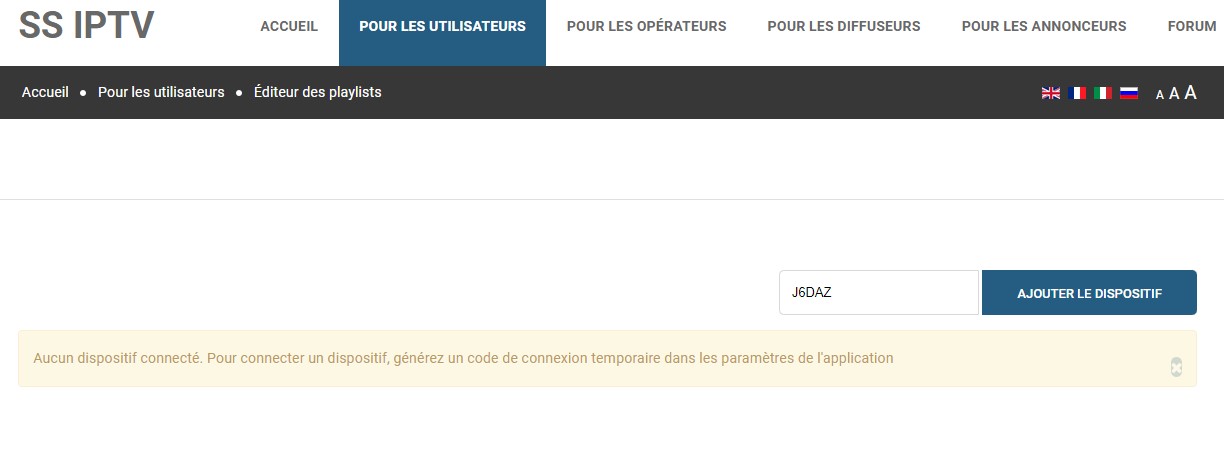
3: Add the code at ss-iptv.com/fr/users/playlist and click “Add Device.”
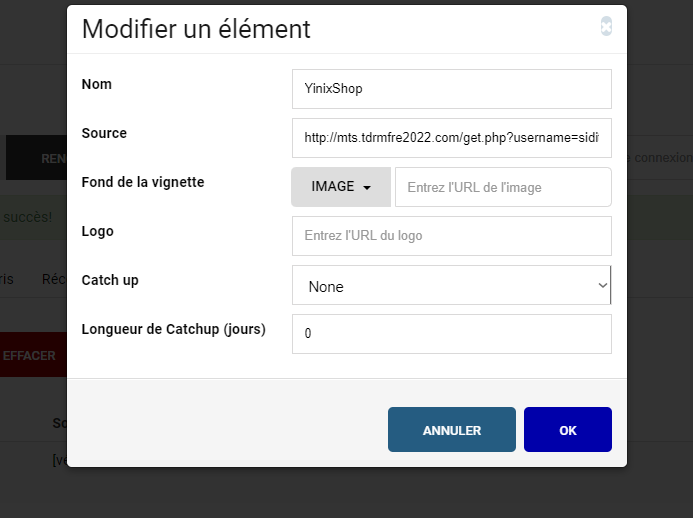
4: Add your M3U link.
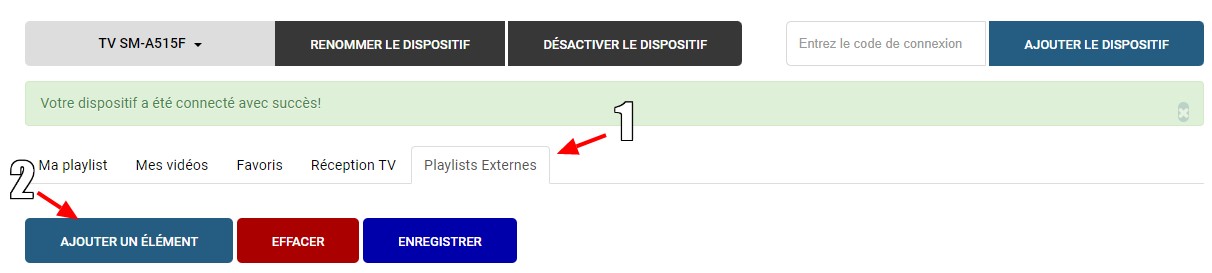
5: Enter a playlist name and M3U URL.
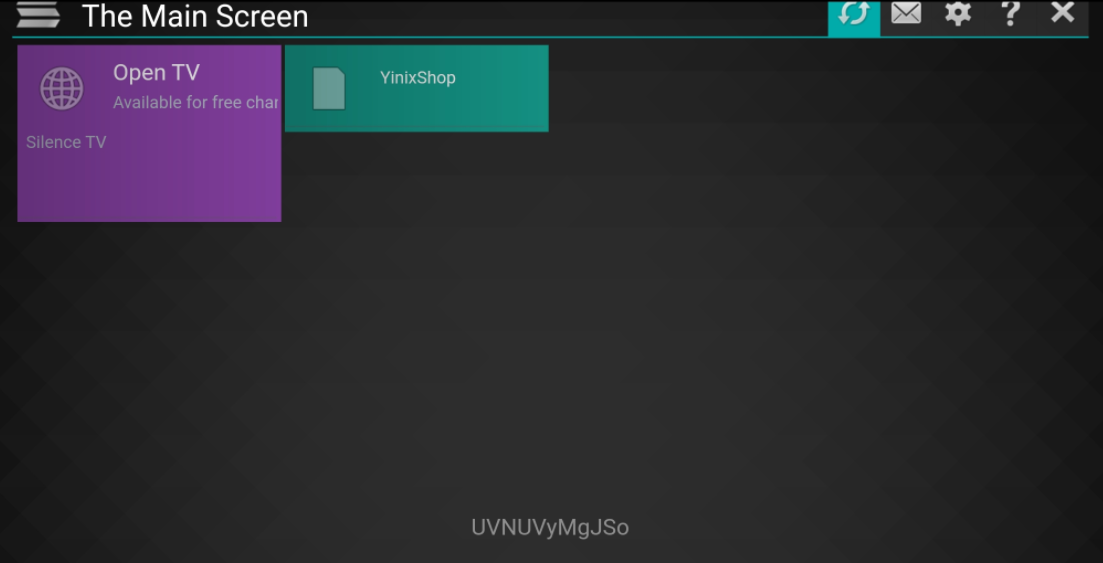
6: Reopen the app to see the added playlist.
Thanks for your blog, nice to read. Do not stop.
Thank you